GTK · Guitar
GTK – Guitar Player's Toolkit
Tools for your guitar journey.
The original GTK. Built by a guitarist to connect music theory to the fretboard – not a theory course, but the tools that show you where the theory lives under your fingers.
Highlights
Made for guitar players
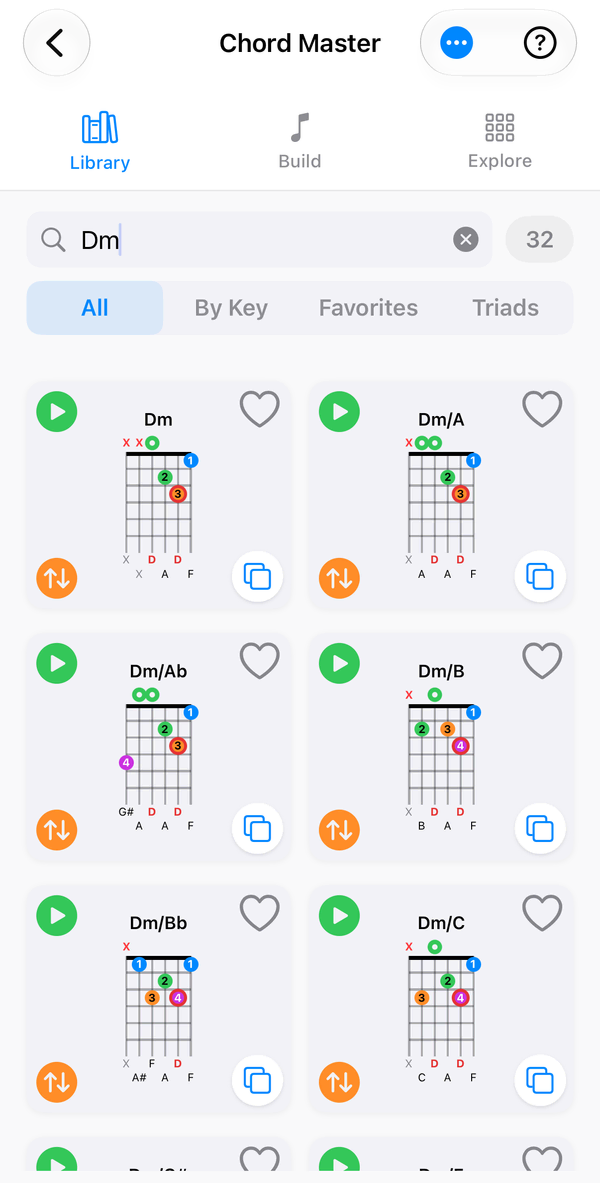
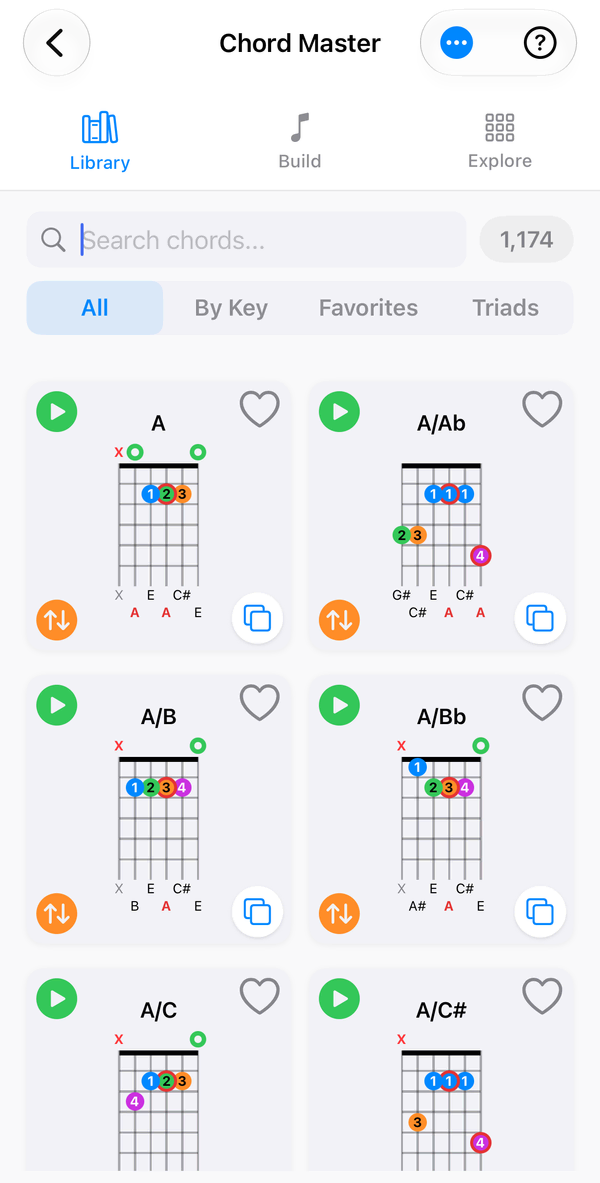
Chord Master
Around 3,600 chords, custom voicings, name-from-notes lookup and playback in steel, nylon or classical tones.
Triad Practice & Positions
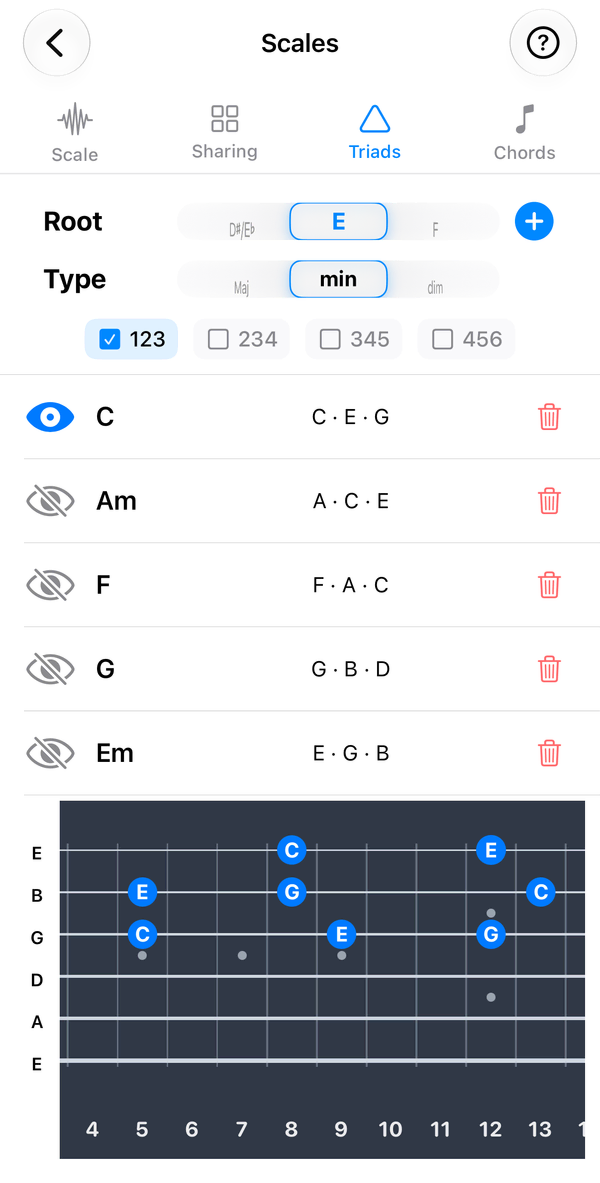
Learn triads across string sets and inversions, and map triad positions through a chord progression.
Scales & Scale Sharing
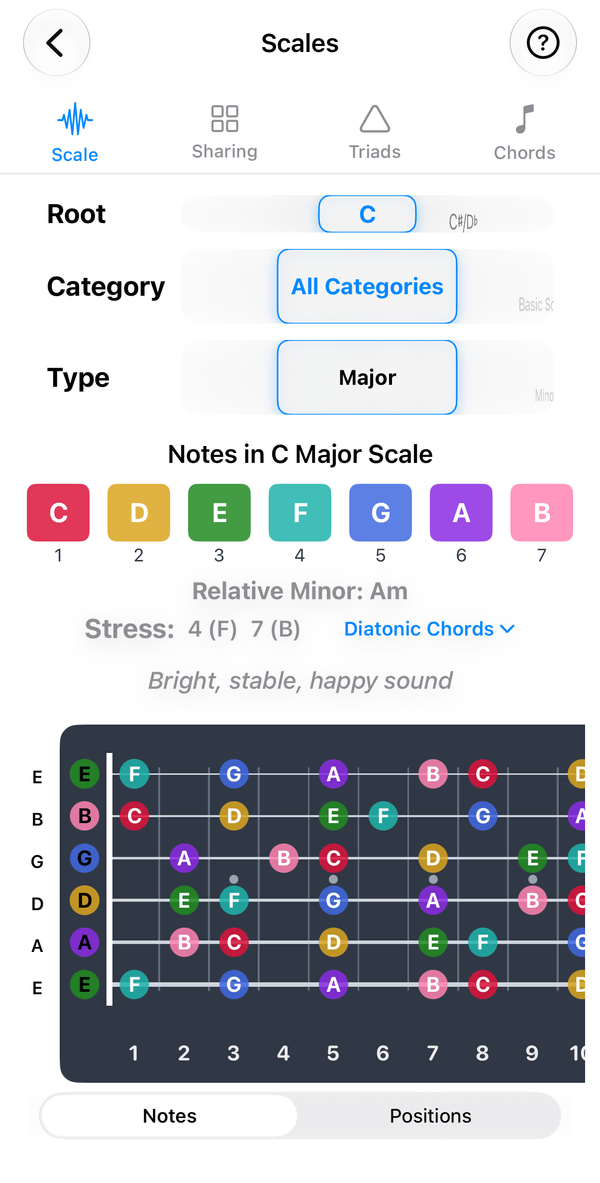
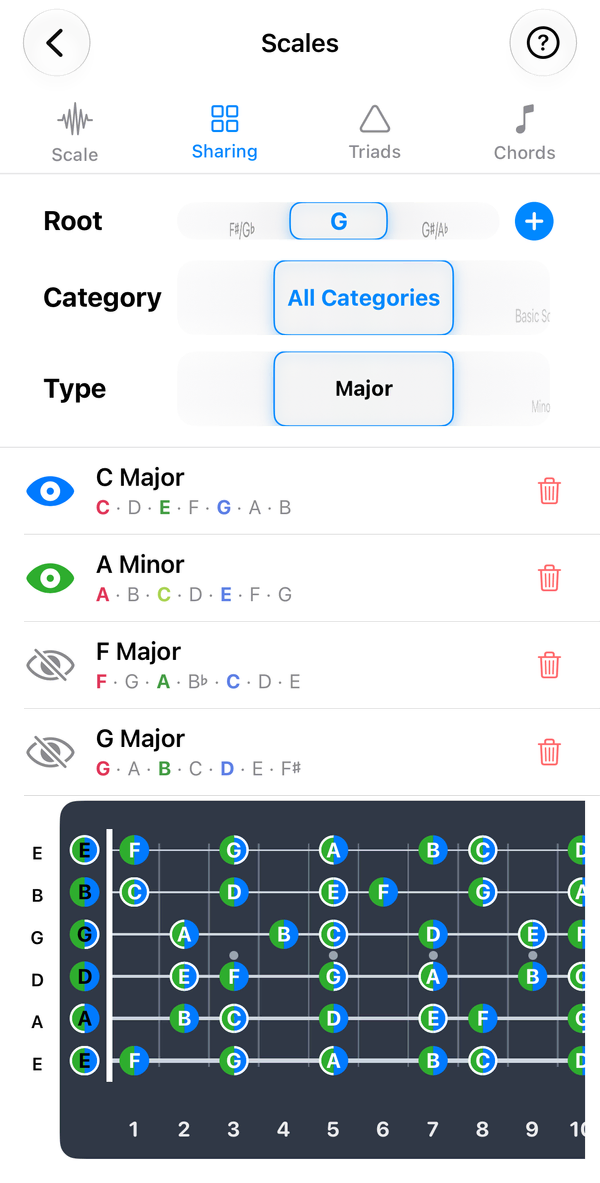
Compare up to four scales on one neck, with diatonic chords and triads for every key.
24-fret fretboards
Full-length scrolling necks with selectable skins and marker colours.
Inside the app
See it in action
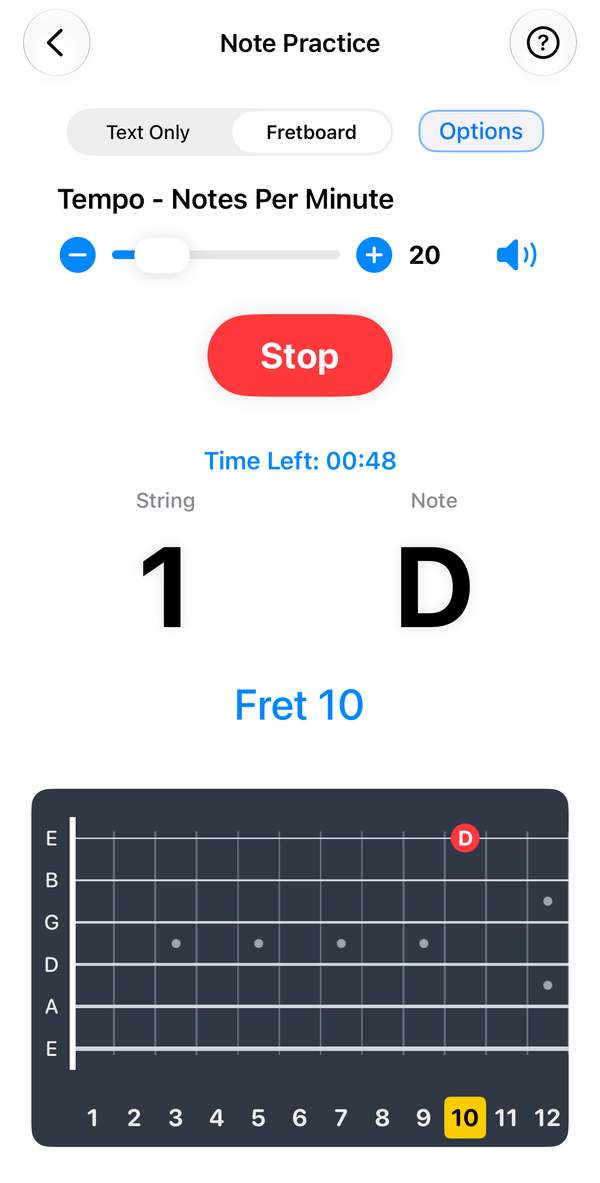
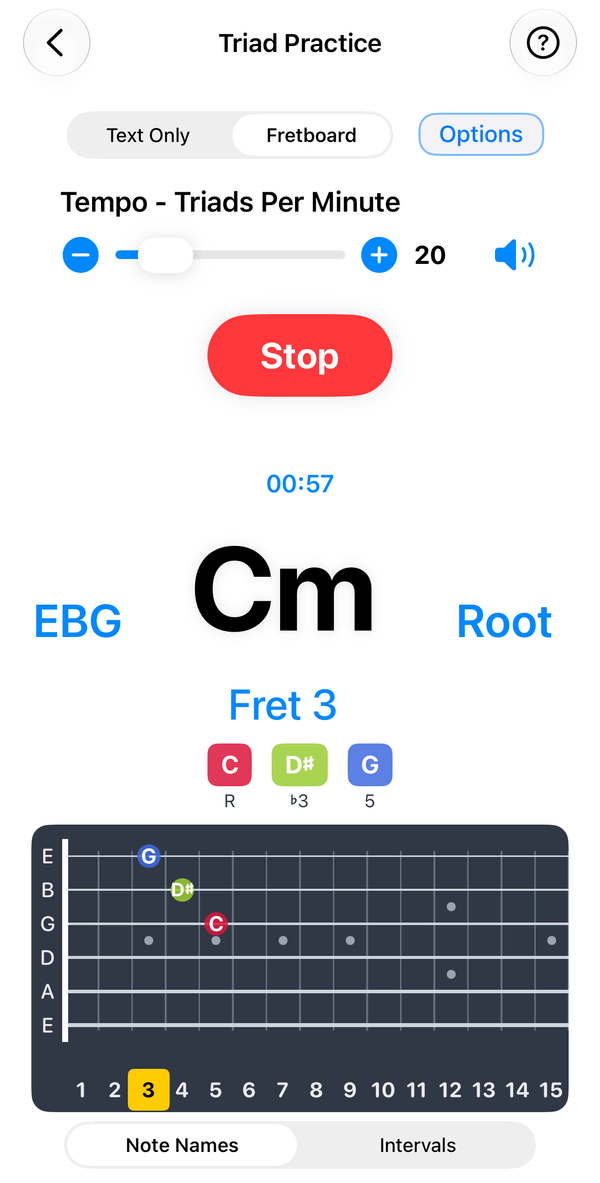
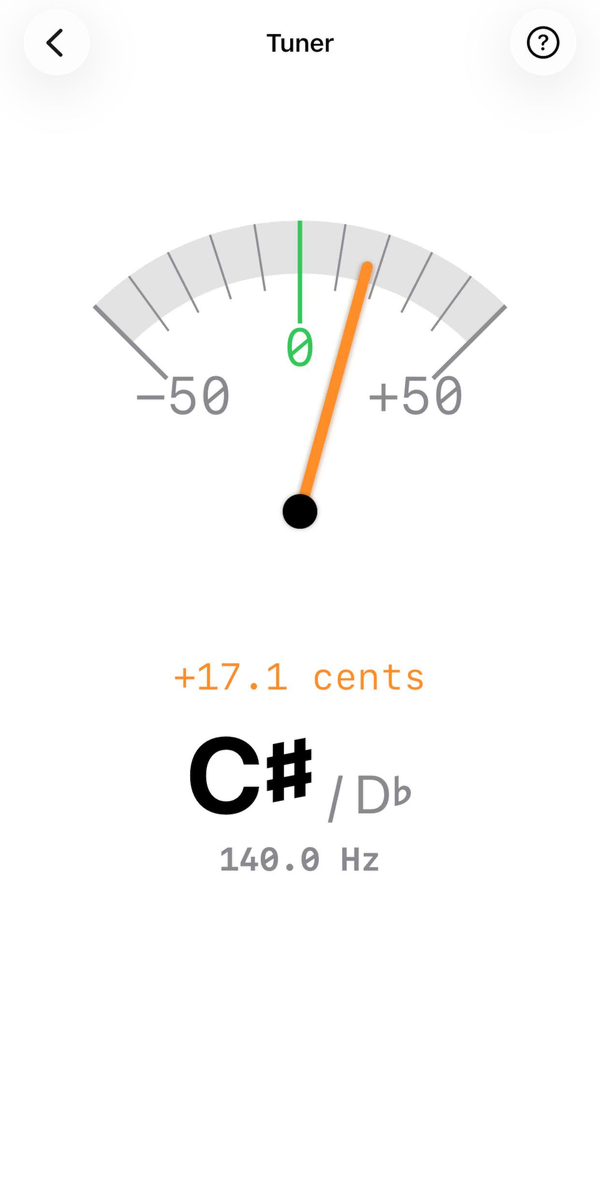
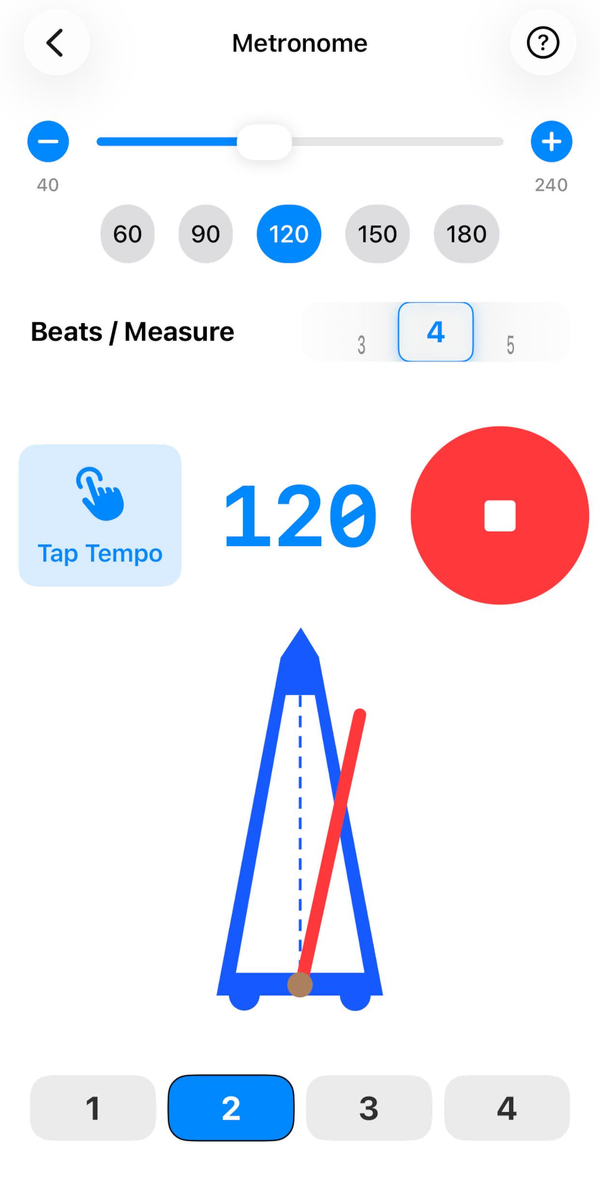
Everything included
17 tools, one app
Chords
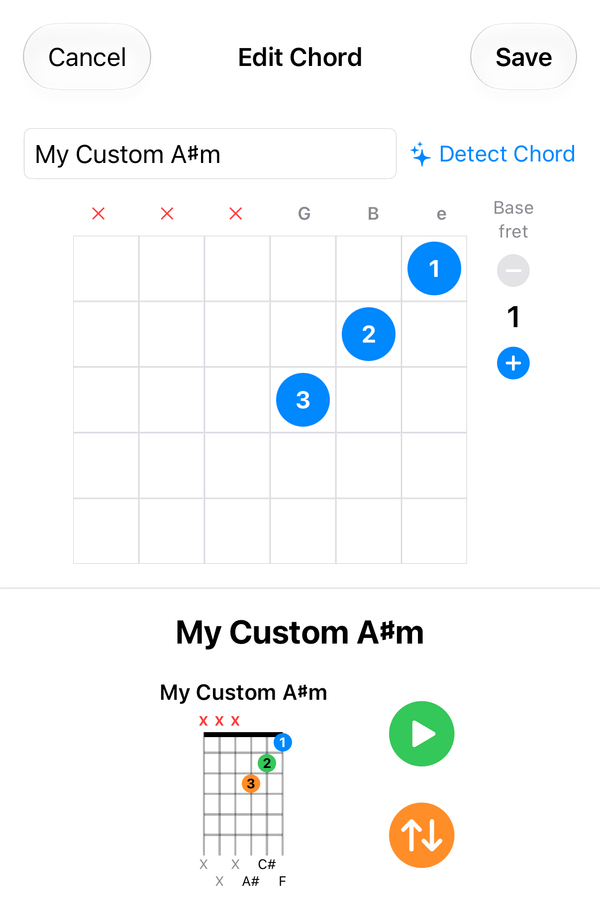
- Chord Master Playback in Steel, Nylon or Classical tones. Custom voicings can be exported and imported as JSON via the Files app.
- Chord Library Voicings are curated for standard EADGBE tuning; a notice appears when you use an alternate tuning such as Drop D or DADGAD.
- Custom Chords Create your own voicings, name them yourself or let GTK detect the name, play them whole or arpeggiated, and export them to share.
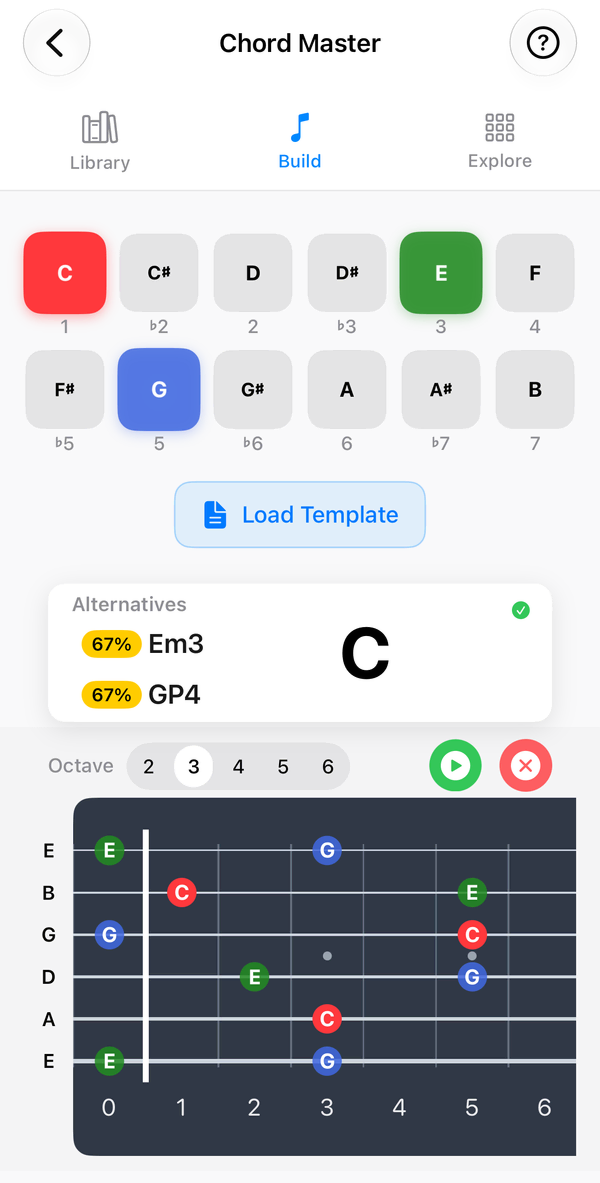
- Chord Build Create your own chord: place fingers, mark strings open or muted, and let GTK detect the name.
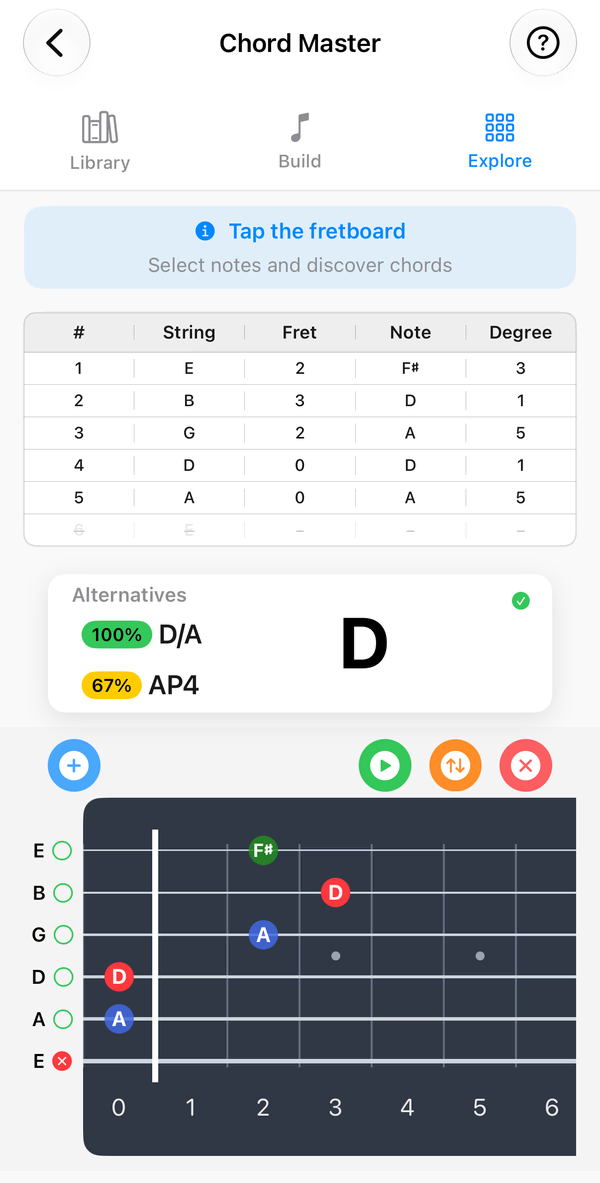
- Chord Explore Select notes, or tap string and fret positions, and GTK names the chord.
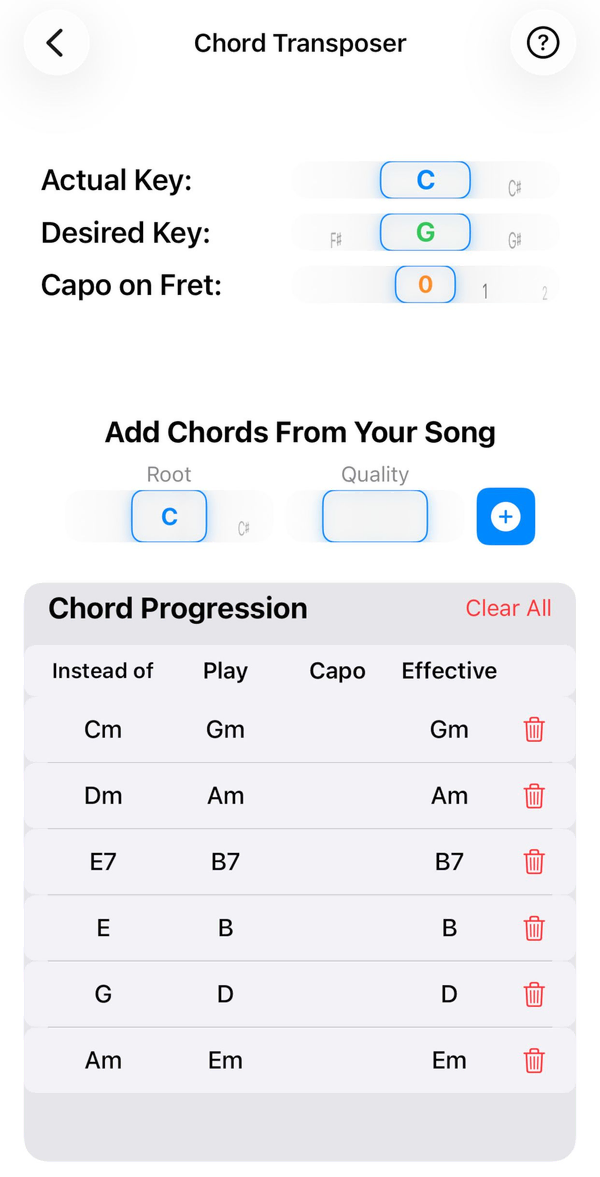
- Chord Transposer Move a song’s chords to any key, with capo positions taken into account.
Theory
- Scales Scales, modes, pentatonics and world scales on a colour-coded fretboard, with a Positions view that shows shapes rather than note names, plus diatonic chords and Triads and Chords tabs.
- Scale Sharing Layer up to four scales on one fretboard, with shared notes as pie-slice dots and roots, 3rds and 5ths ringed.
- Triad Sharing Build a progression and see each chord’s triad tones on one fretboard, colour-coded per chord, with shared frets as pie-slice dots.
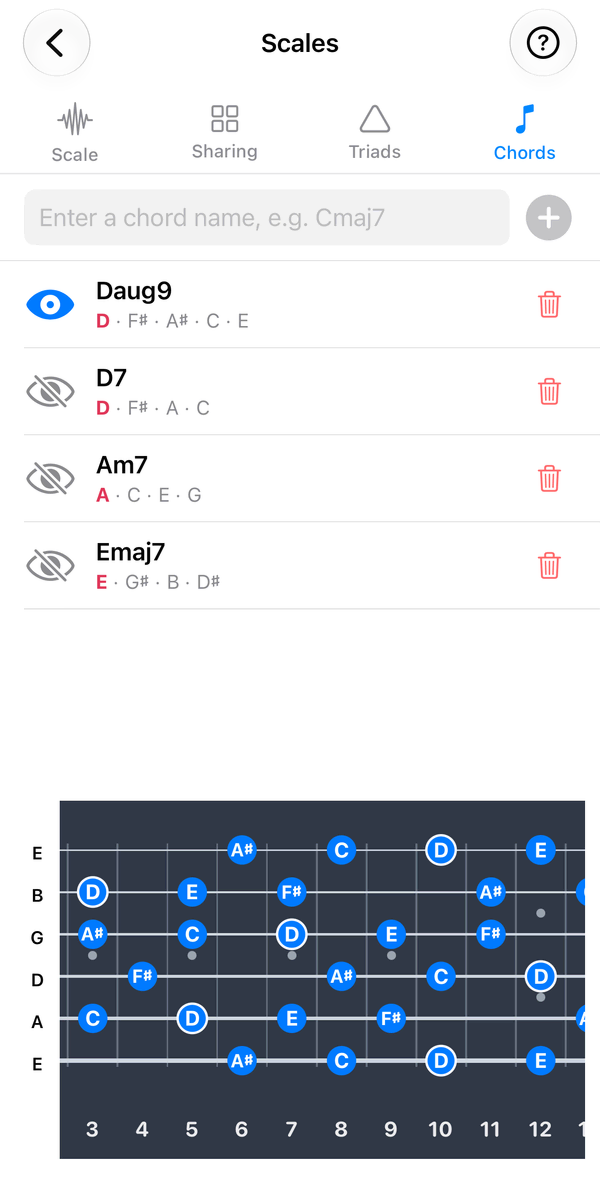
- Chord Sharing Type any chord name to map its notes across the fretboard with the root ringed, and compare it with up to three other chords.
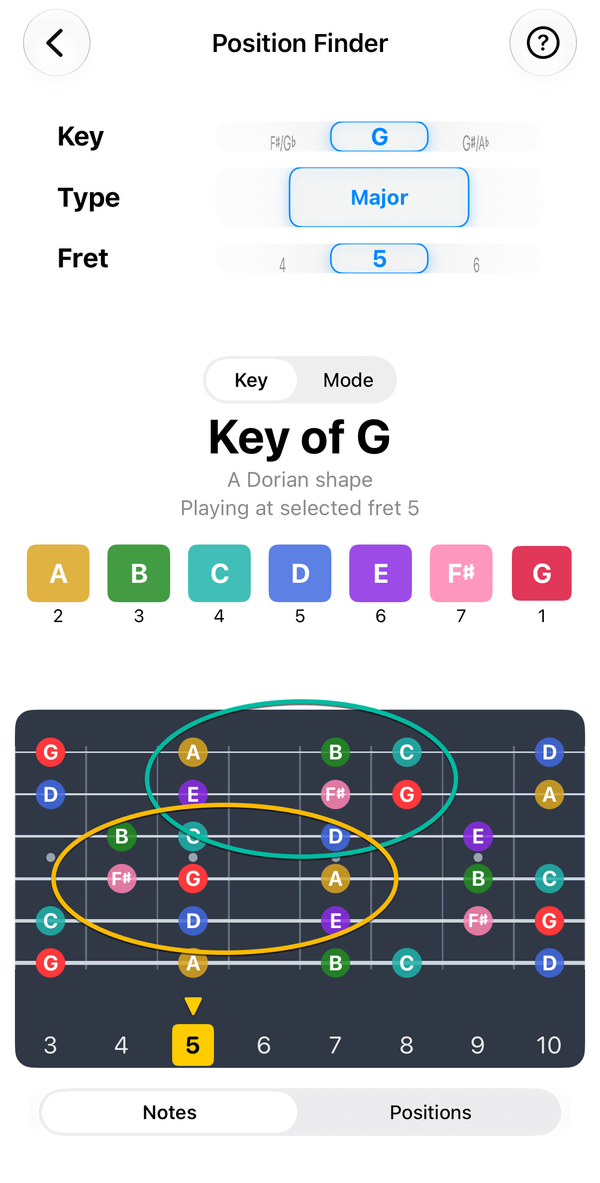
- Position Finder Choose where on the neck you want to play and see a key’s notes right there – so you can stop sliding up and down the fretboard.
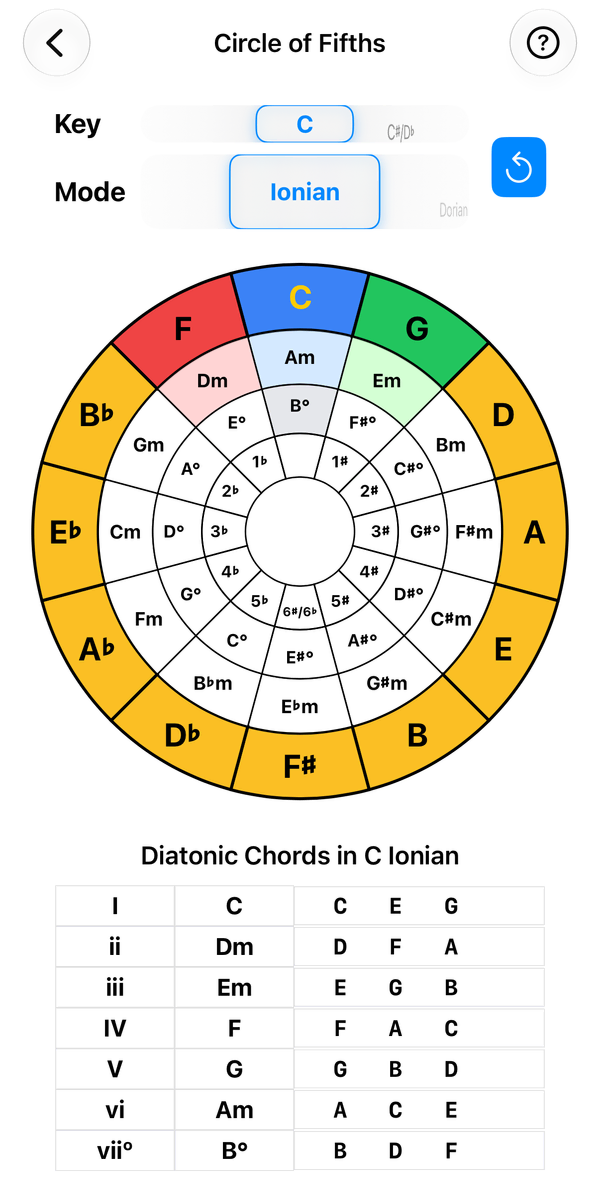
- Circle of Fifths Tap any key to see its modes, diatonic chords, Roman numerals and key signature.
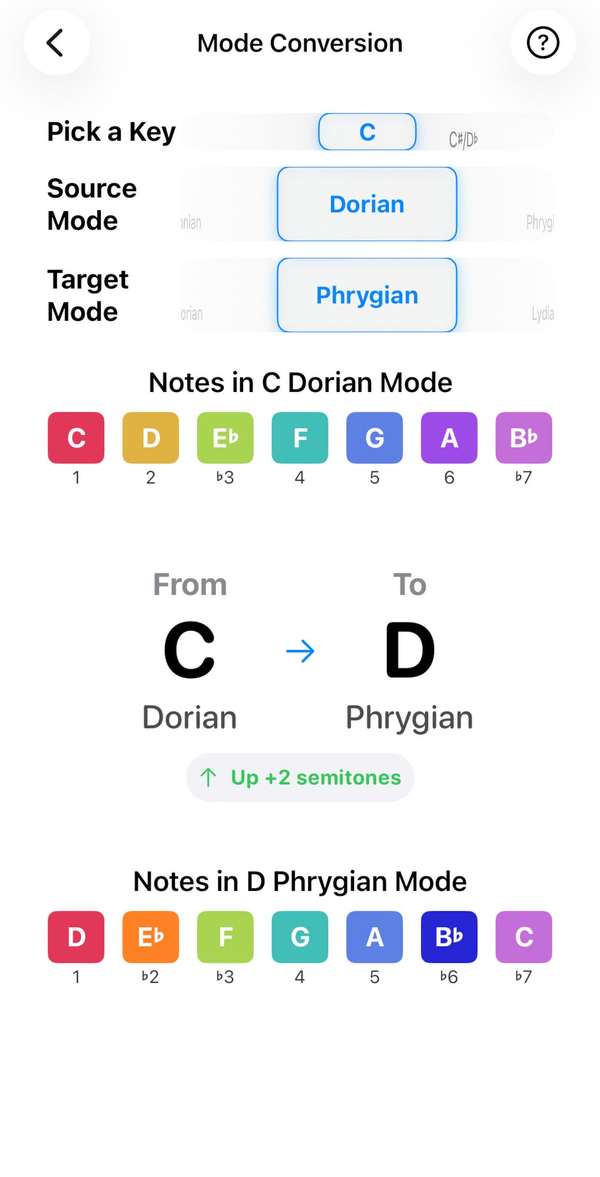
- Mode Converter See how one mode becomes another, note by note and semitone by semitone.
Practice
Tunings & fretboard
Fits your instrument
- Chords
- ~3,600 chords
- Scales
- 80+ scales in 14 categories
- Frets
- Up to 24
- Standard
E A D G B E - Drop D
D A D G B E - DADGAD
D A D G A D - Drop C
C G C F A D - Open G
D G D G B D - Open D
D A D F♯ A D - Half step down
E♭ A♭ D♭ G♭ B♭ E♭ - Whole step down
D G C F A D
What's new in 1.7.6
- Position Finder follows the selected tuning and reaches fret 24.
- Flat keys are now spelled correctly in Position Finder.
- Refreshed app icon and splash screen.
- One-time purchaseNo subscriptions, no in-app purchases, no ads.
- Works offlineEverything runs on your device. No account, no internet needed.
- No data collectedAudio for the tuner is processed on-device and never recorded or sent.
- Family SharingBuy once and share with up to six family members.