Chords
Chord Master
Find, build and hear any chord on your instrument – by key, note by note, or straight from the fretboard.
- Guitar
- Ukulele
- Banjo
- Bass
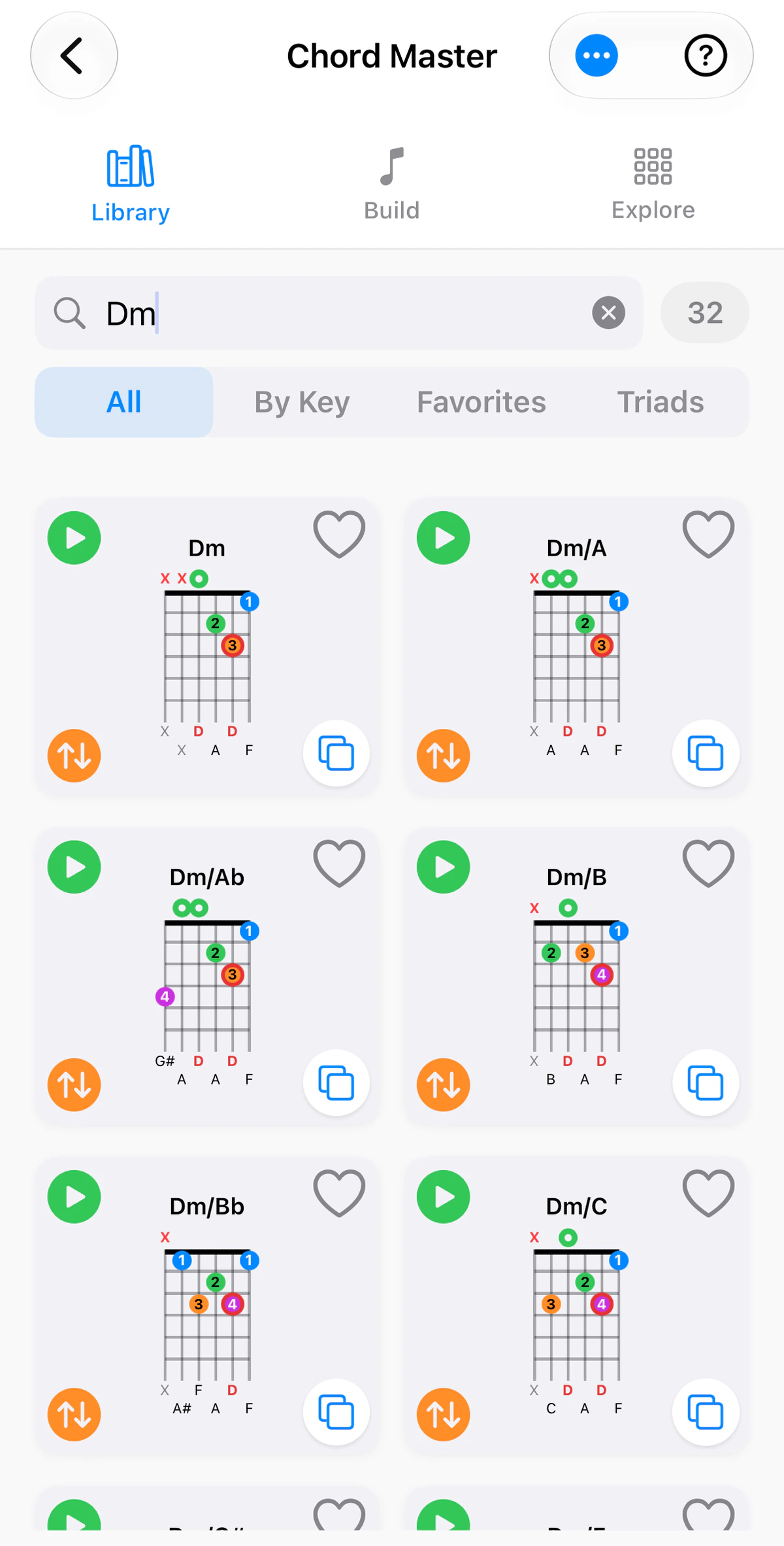
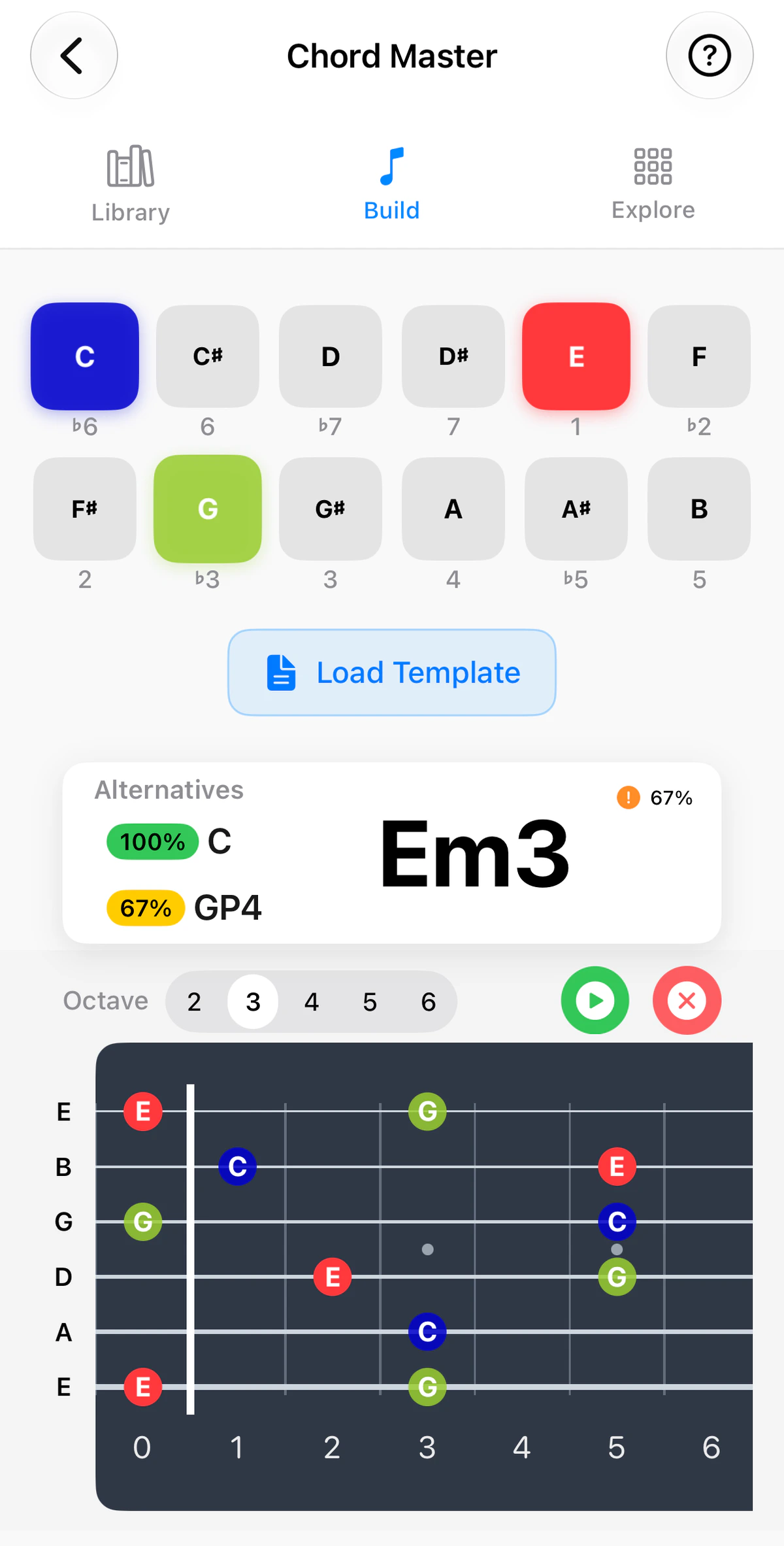
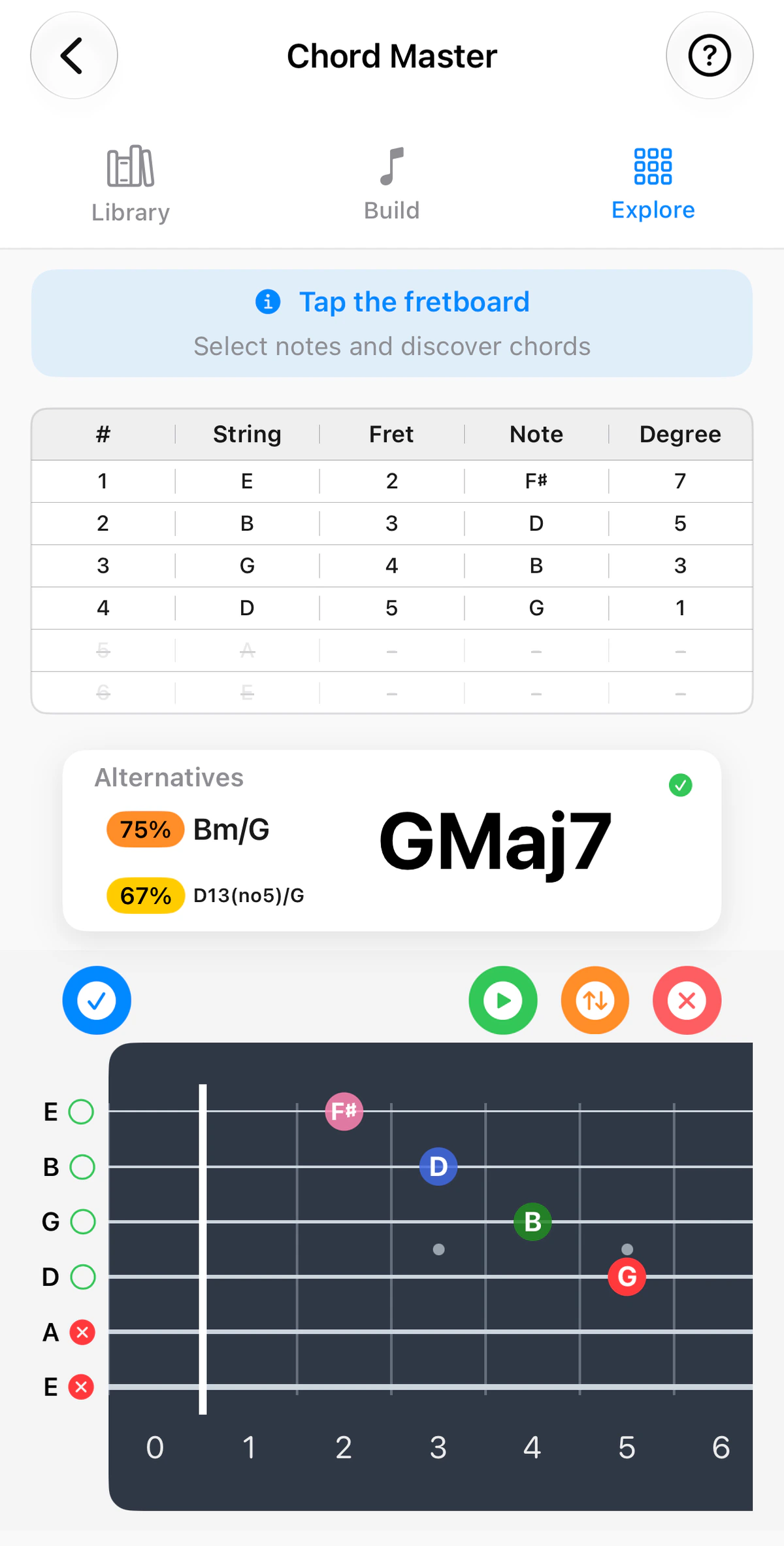
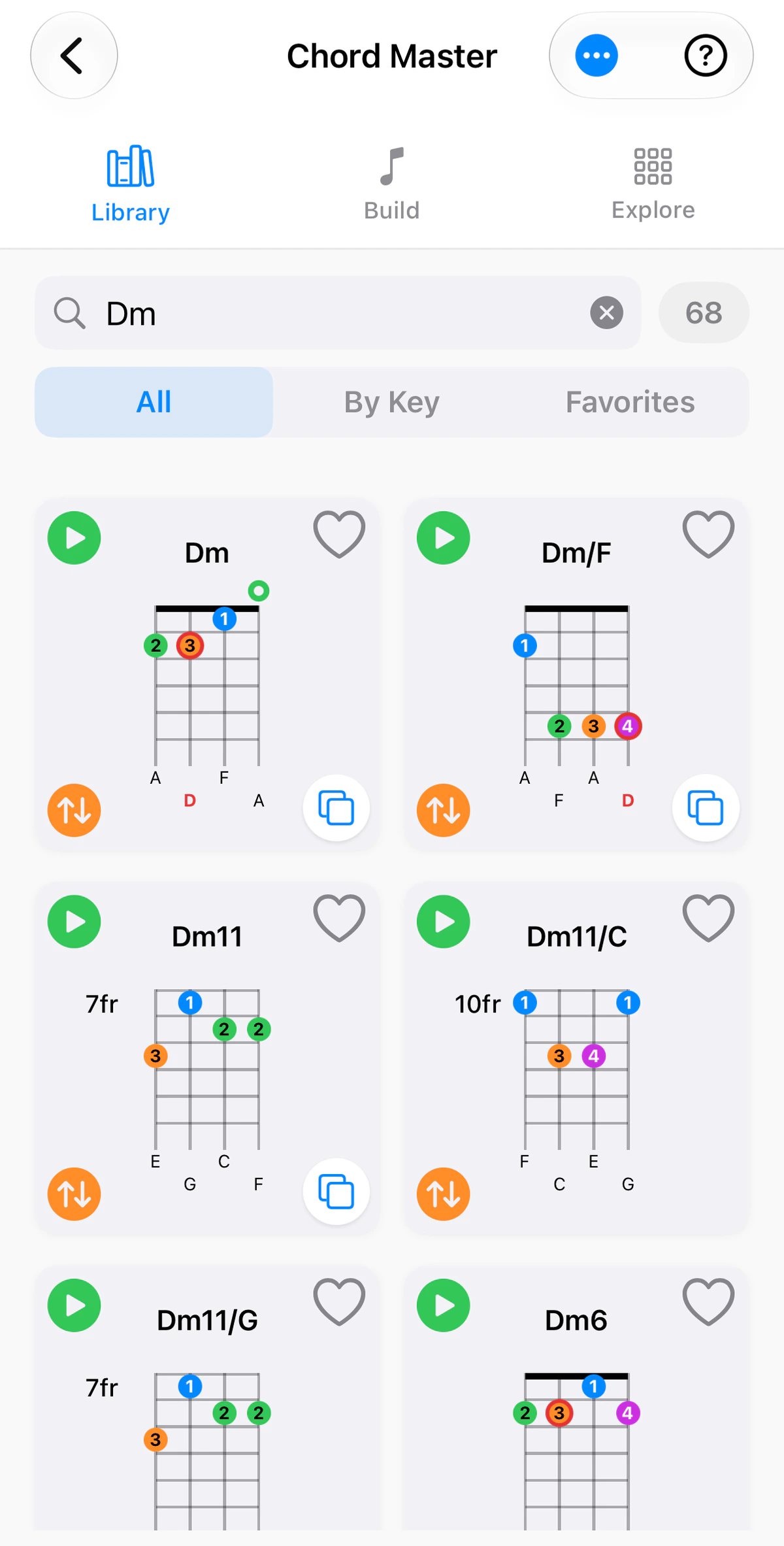
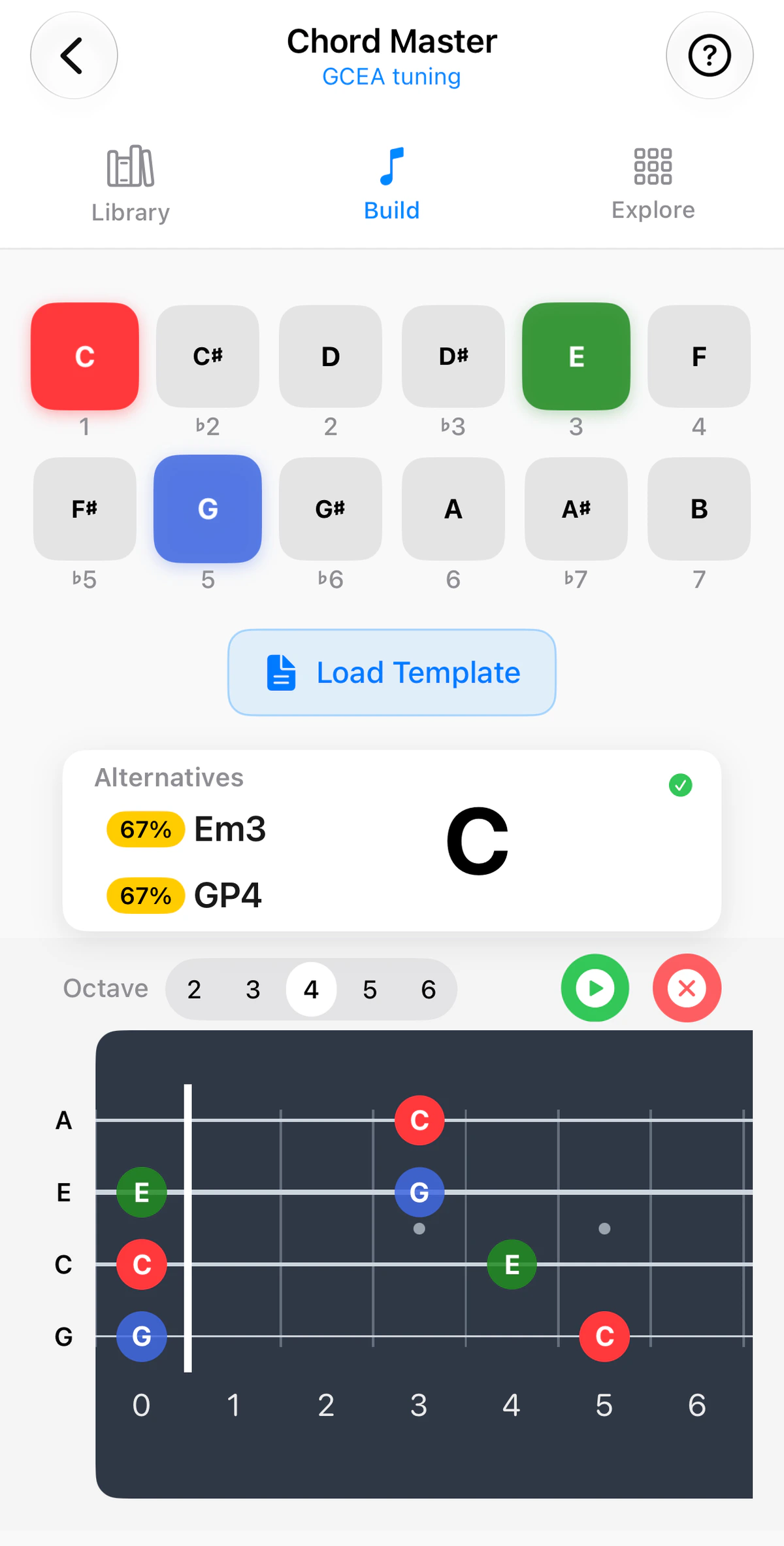
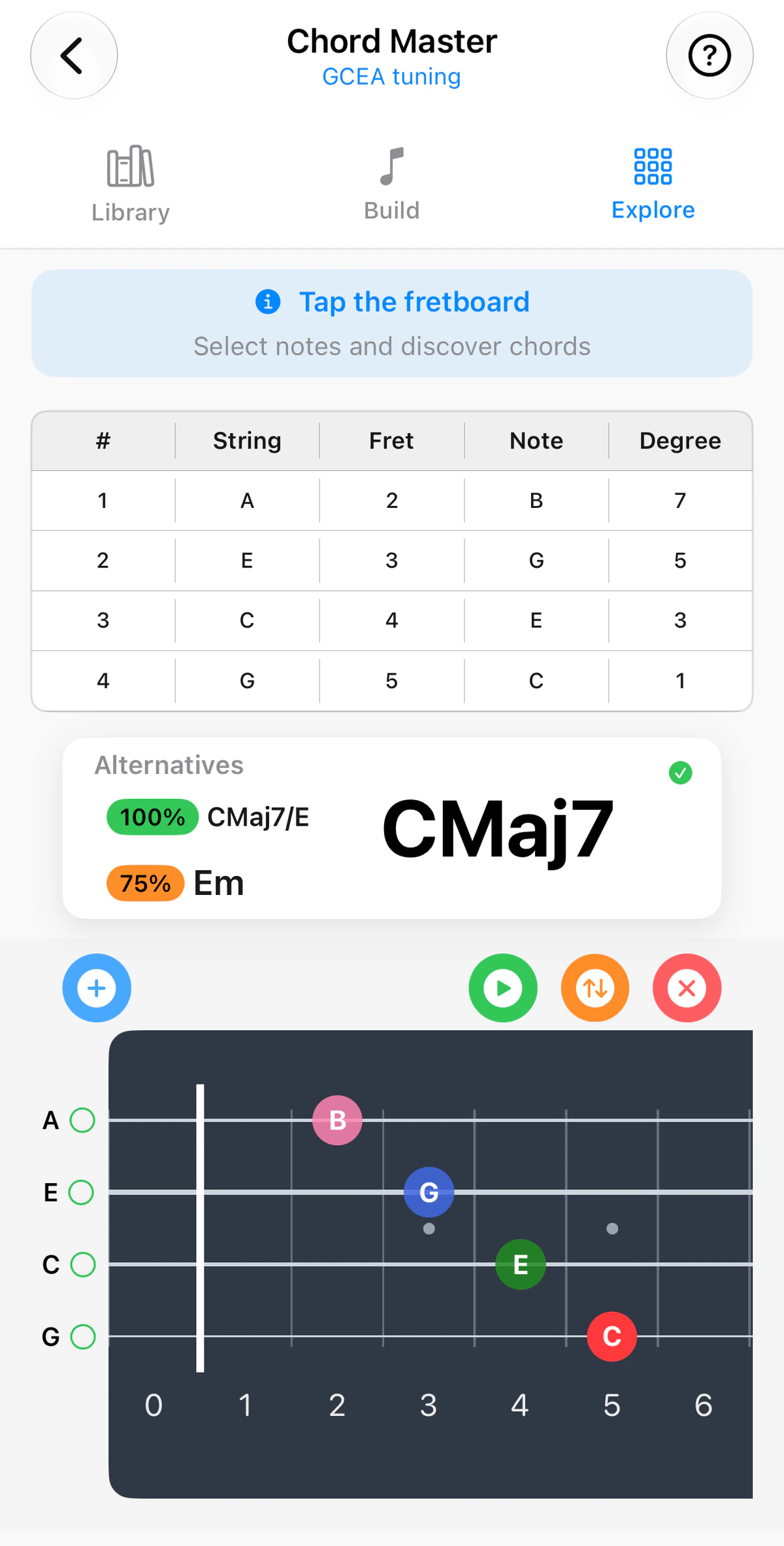
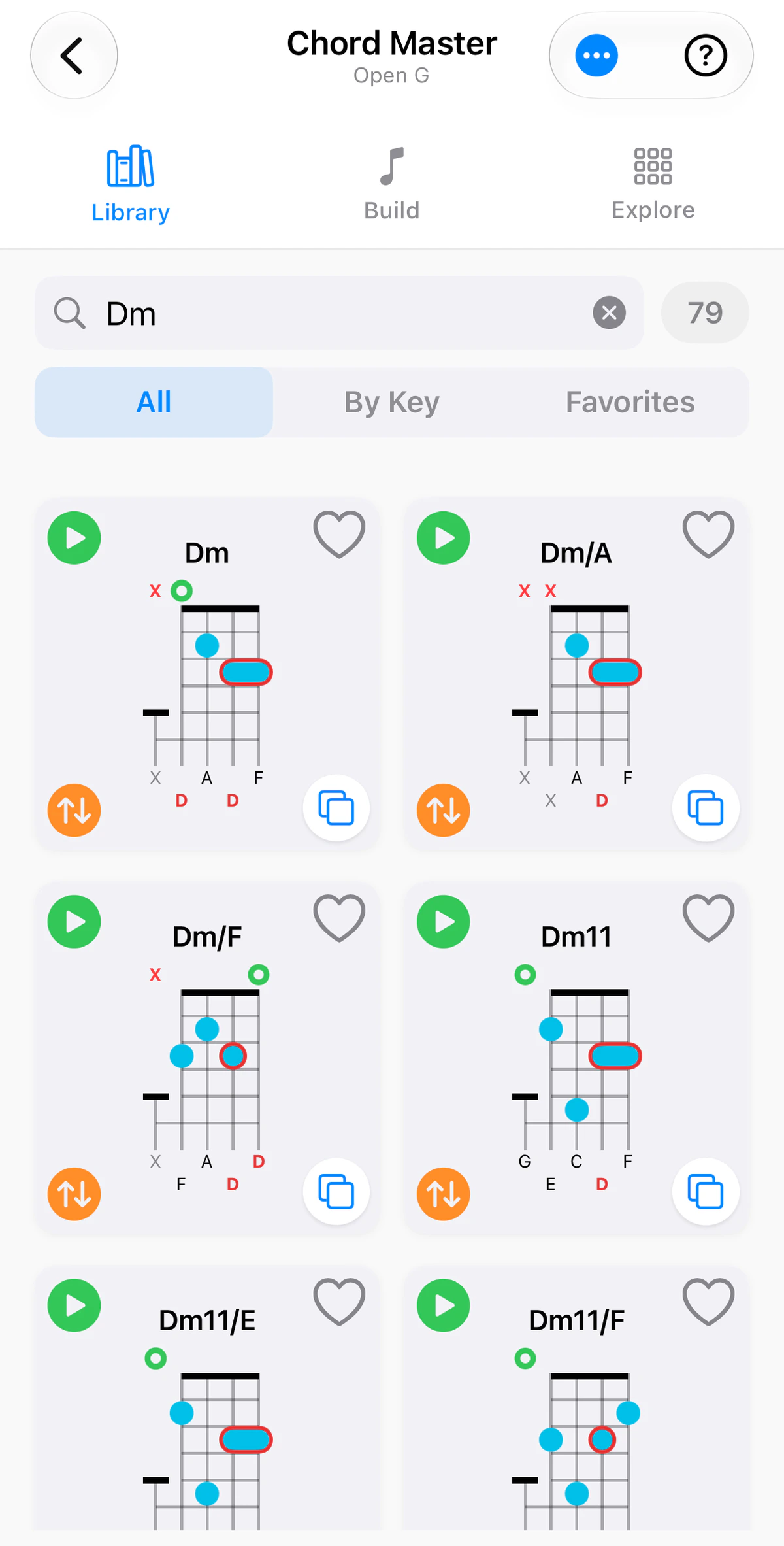
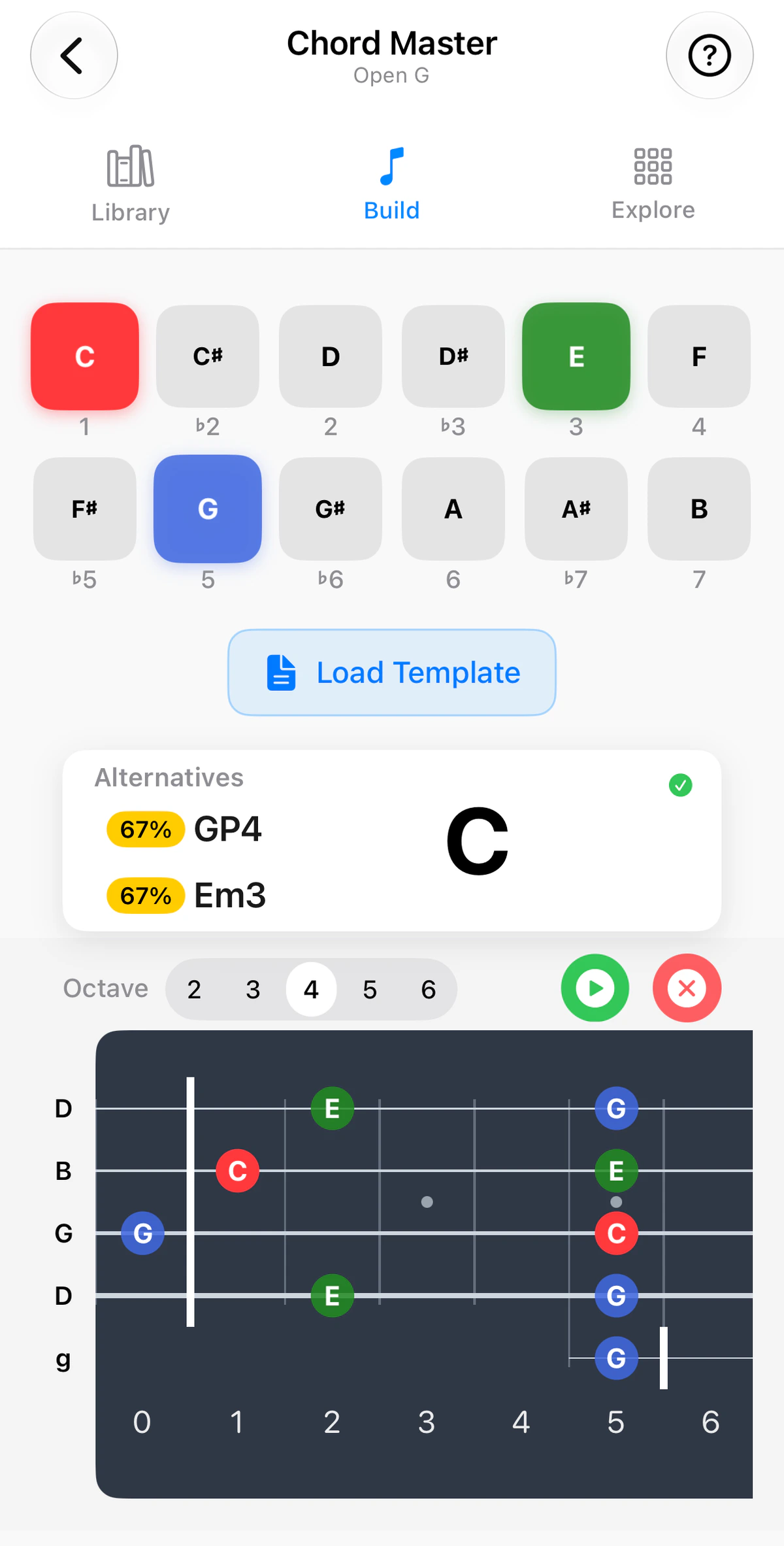
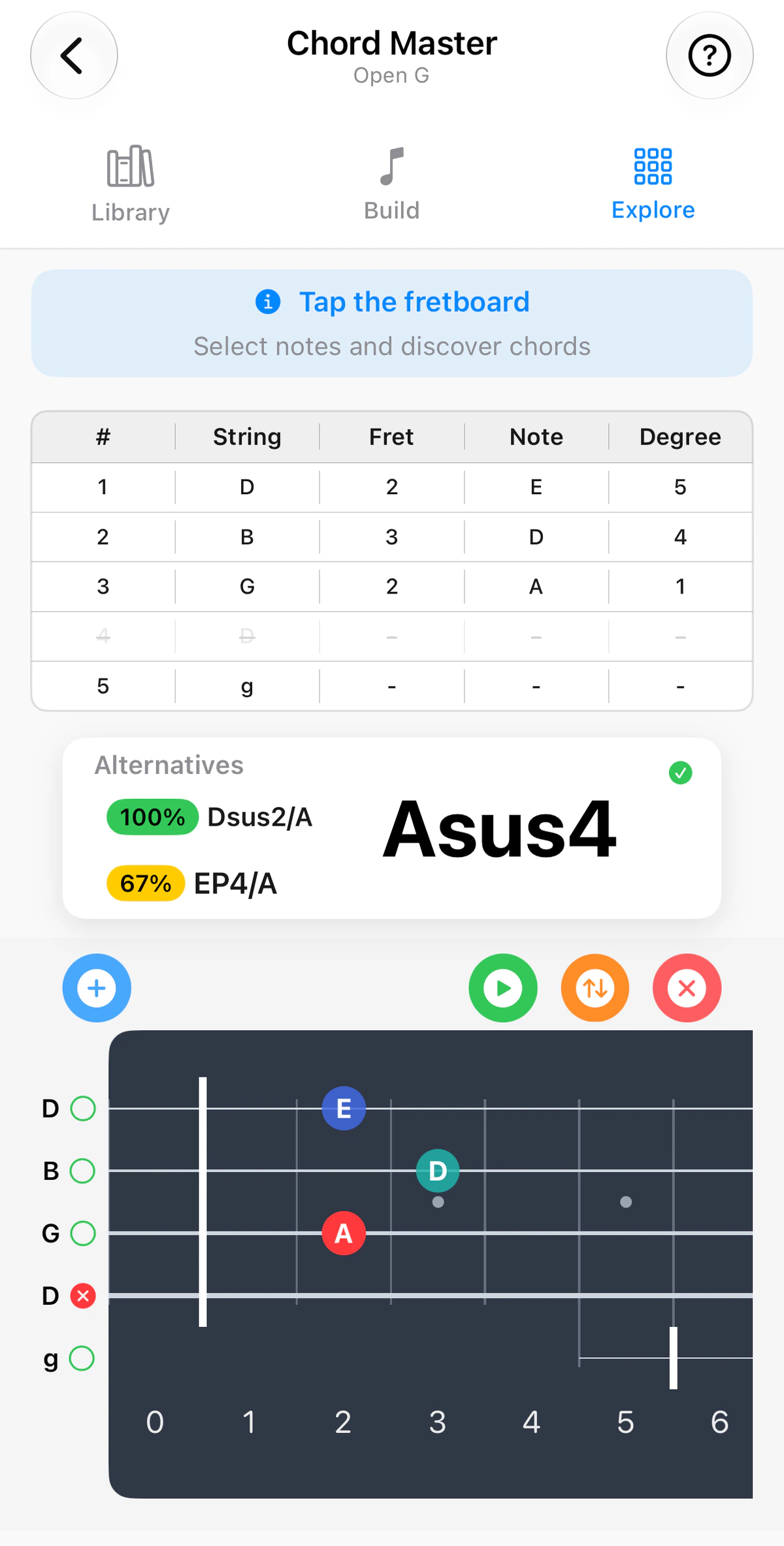
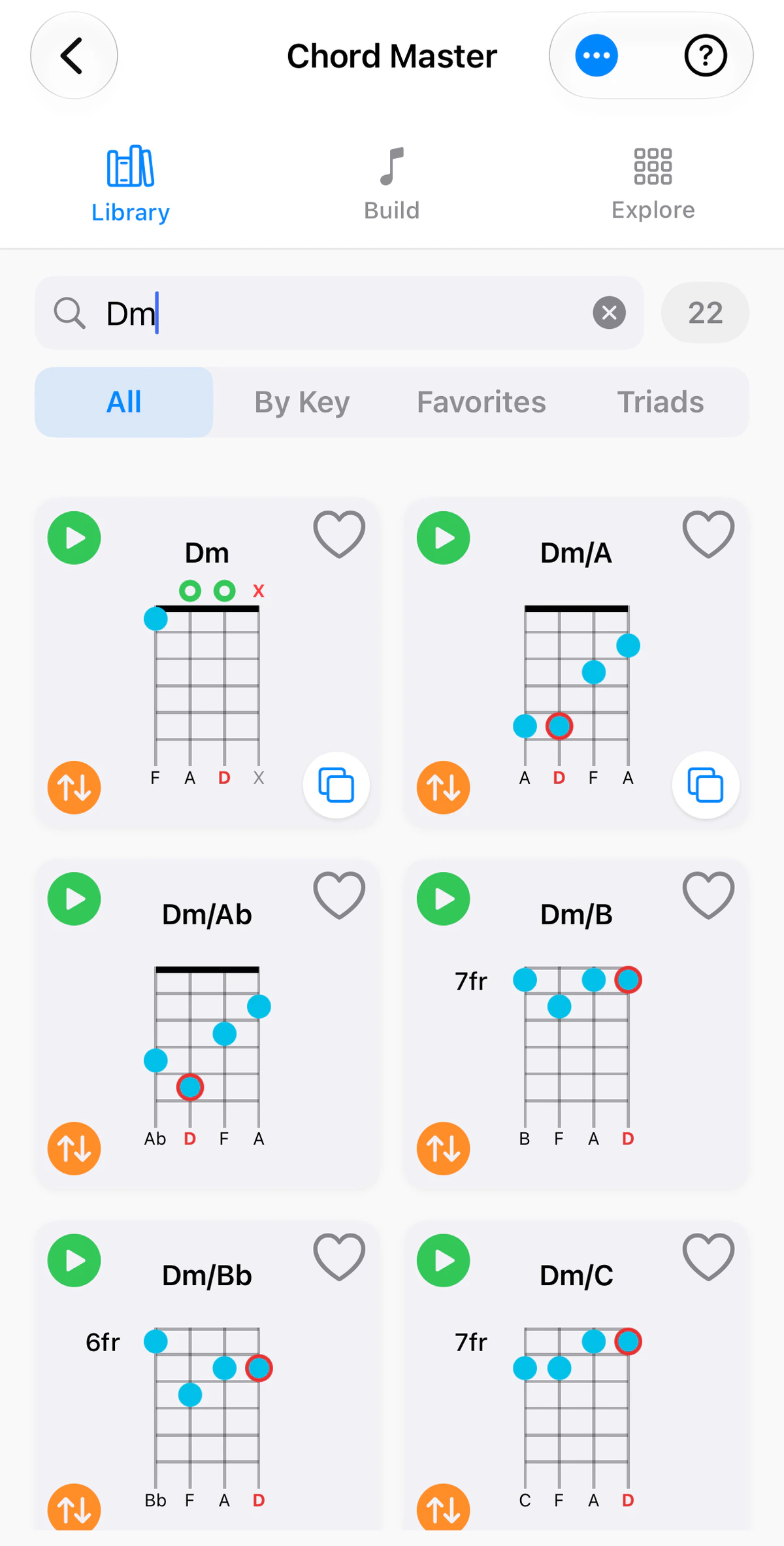
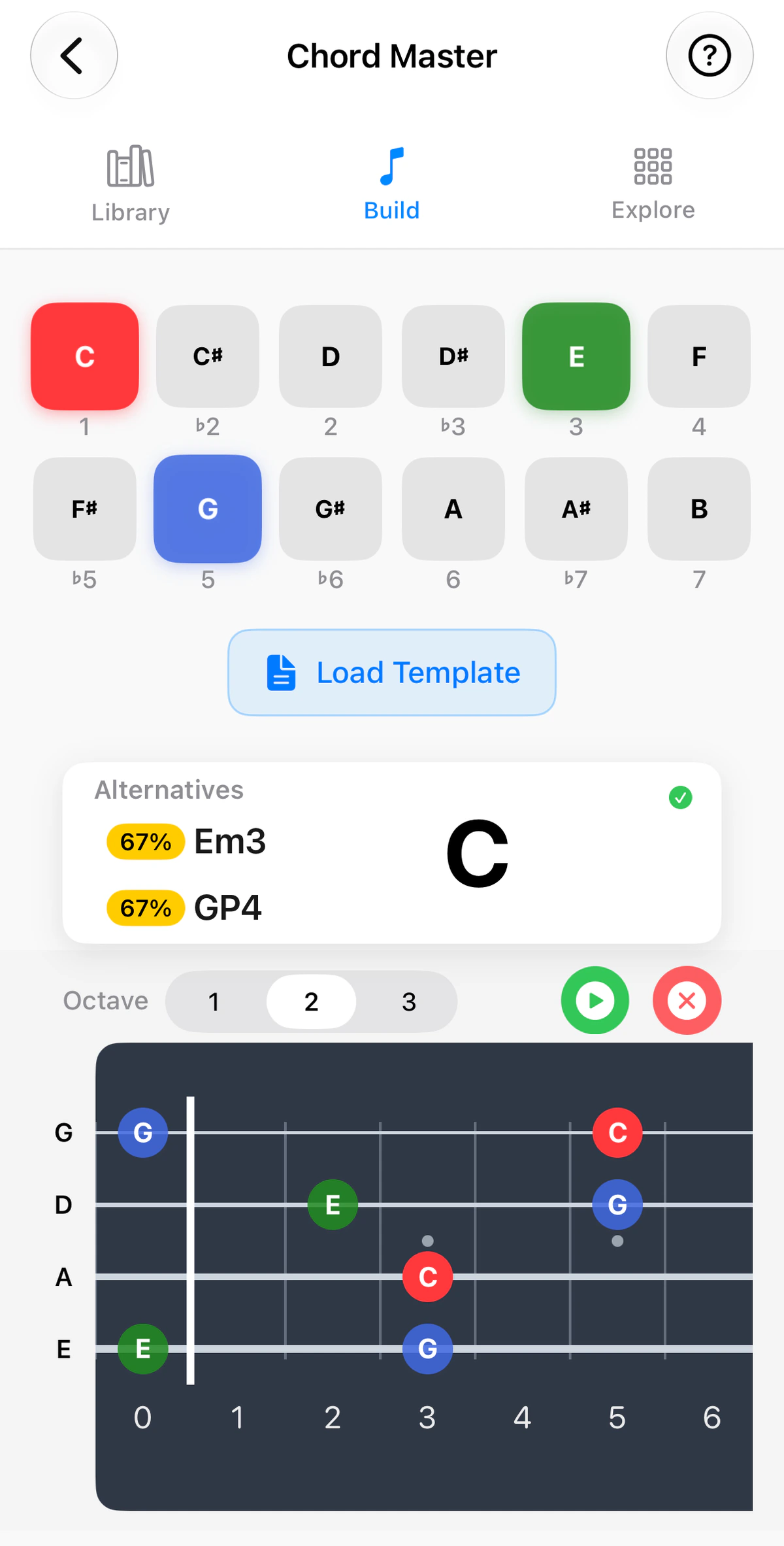
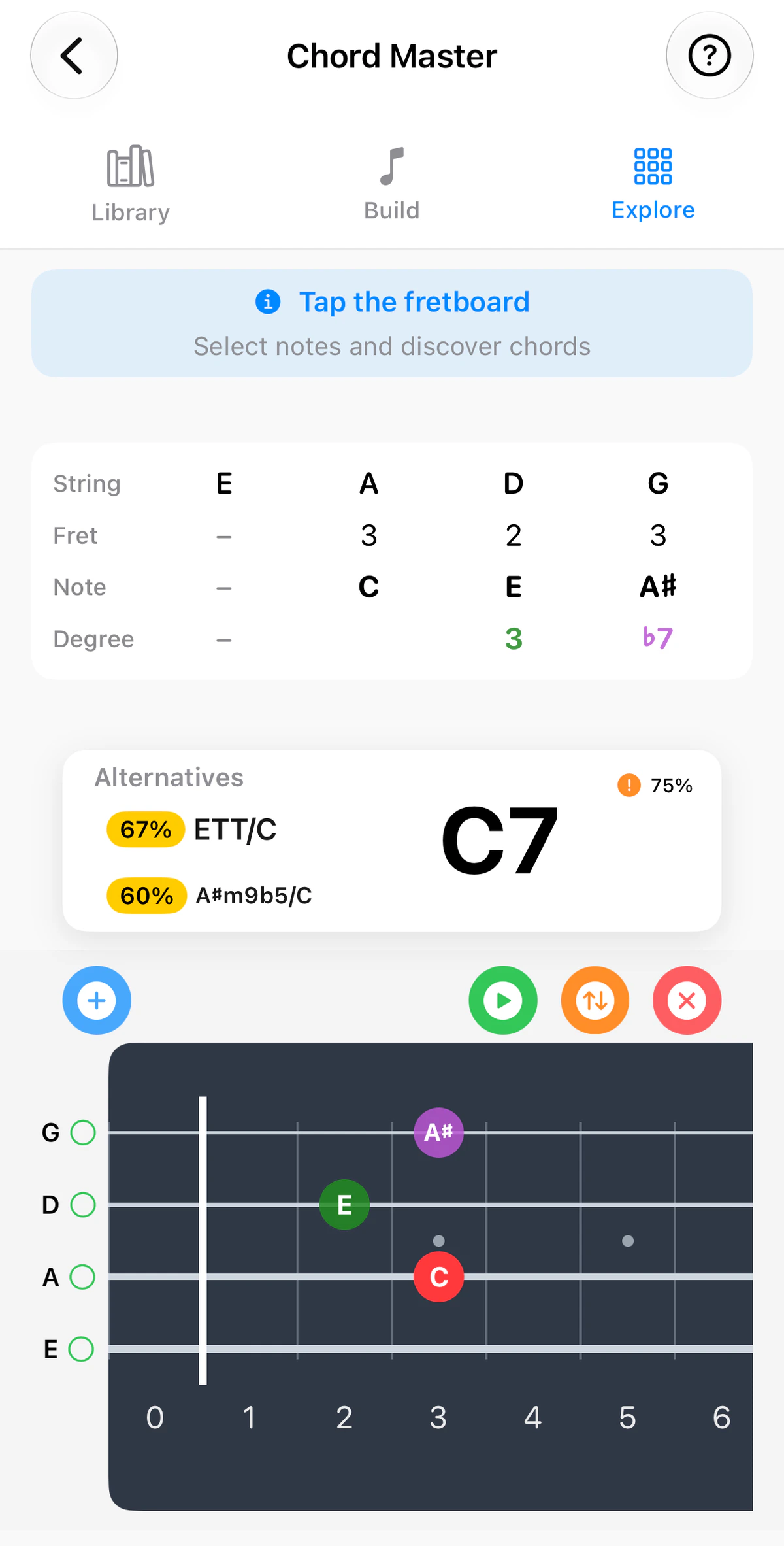
Chord Master is the heart of GTK. It answers two questions: “How do I play this chord?” and “What is this shape I’m holding?”
Use the instrument tabs above the screenshots to see each tab on guitar, ukulele, banjo or bass. The string count and tuning follow the instrument: four strings in GCEA on ukulele, five in Open G on banjo with its short fifth string, and four to six strings on bass.
The tabs
- Library – browse chords by name, or filter By Key to see the chords that belong together, with progression suggestions for songwriting.
- Build – switch notes on to build a chord of your own, and let GTK name it and show it on the fretboard.
- Explore – tap string and fret positions and GTK names the chord.
The Build and Explore tabs show your active tuning and your instrument’s real fret count.
Tip: if a shape feels awkward, look at the other voicings for the same chord – there’s often one higher up the neck that sits closer to the chord before or after it.
Instrument notes
- Guitar: Playback in Steel, Nylon or Classical tones. Custom voicings can be exported and imported as JSON via the Files app.
- Ukulele: Includes Baritone (DGBE) voicings. Slash-chord bass notes are identified by lowest pitch, which matters on a re-entrant uke.
- Banjo: On 5-string tunings the short drone string is shown and played where it belongs in each voicing.
- Bass: Find the root, fifth and chord tones under your fingers, and hear any chord whole or as an arpeggio to play against.