Chords
Custom Chords
Create your own voicings, name them yourself or let GTK detect the name, play them whole or arpeggiated, and export them to share.
- Guitar
- Ukulele
- Banjo
- Bass

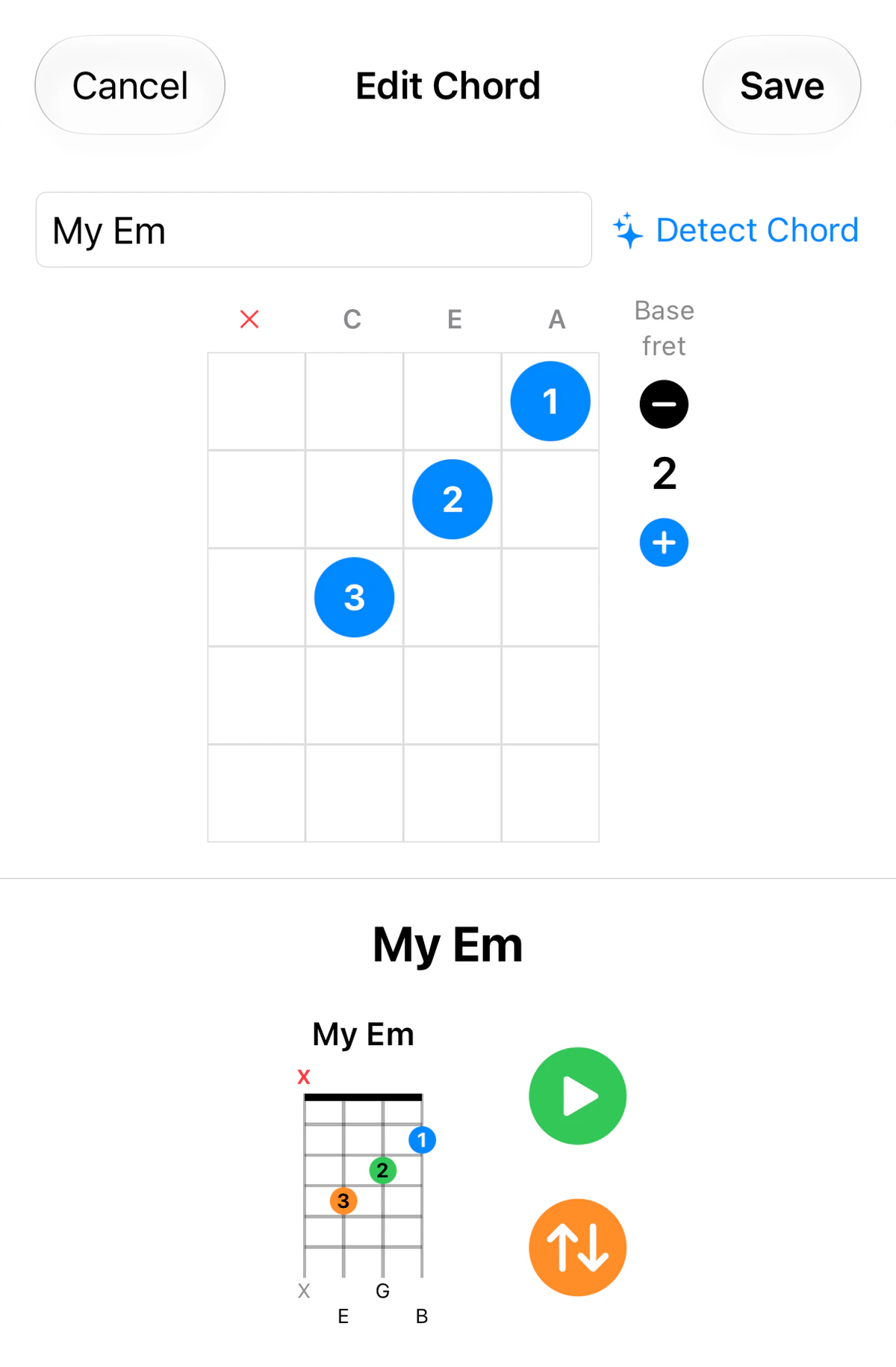
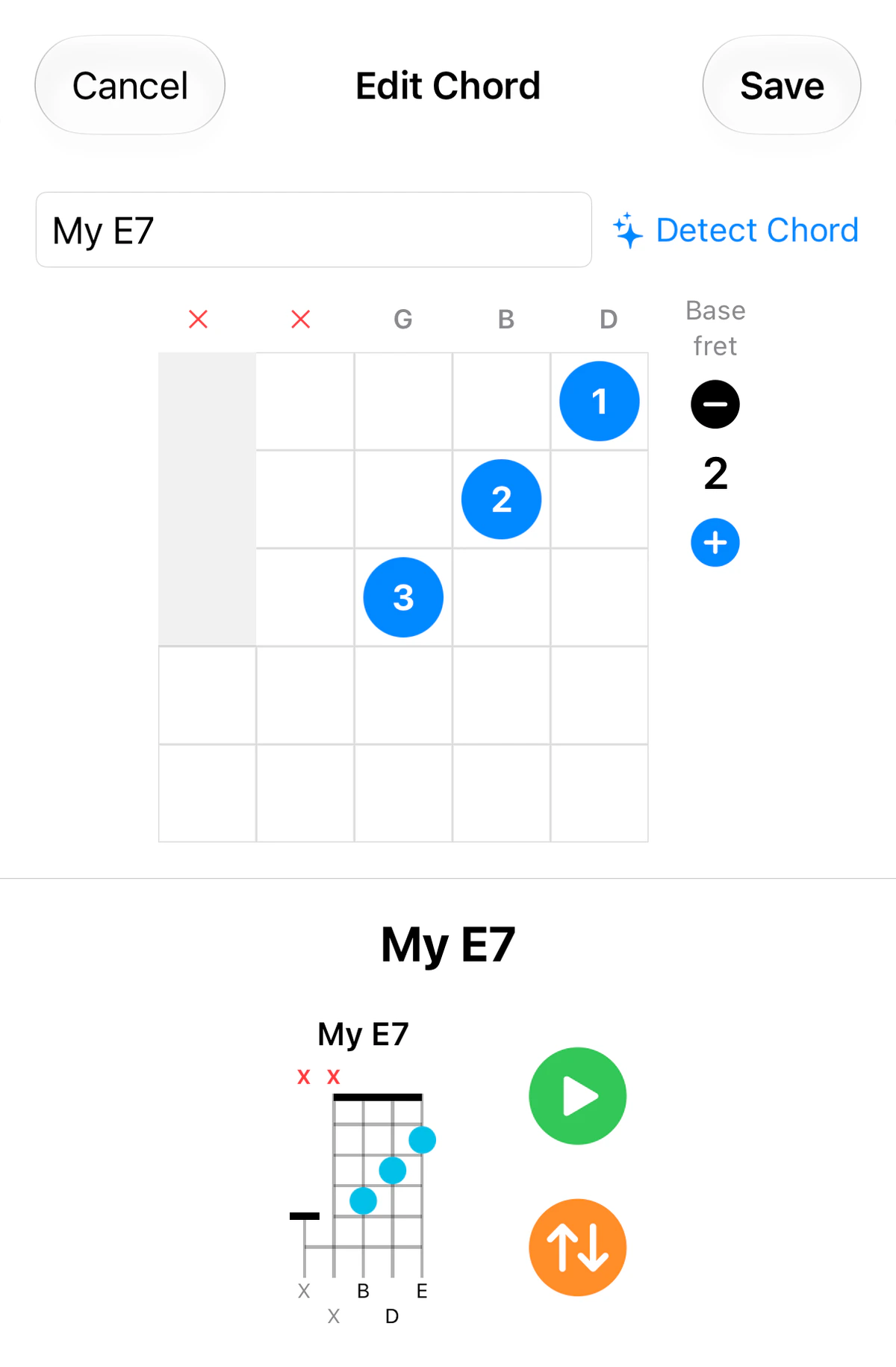
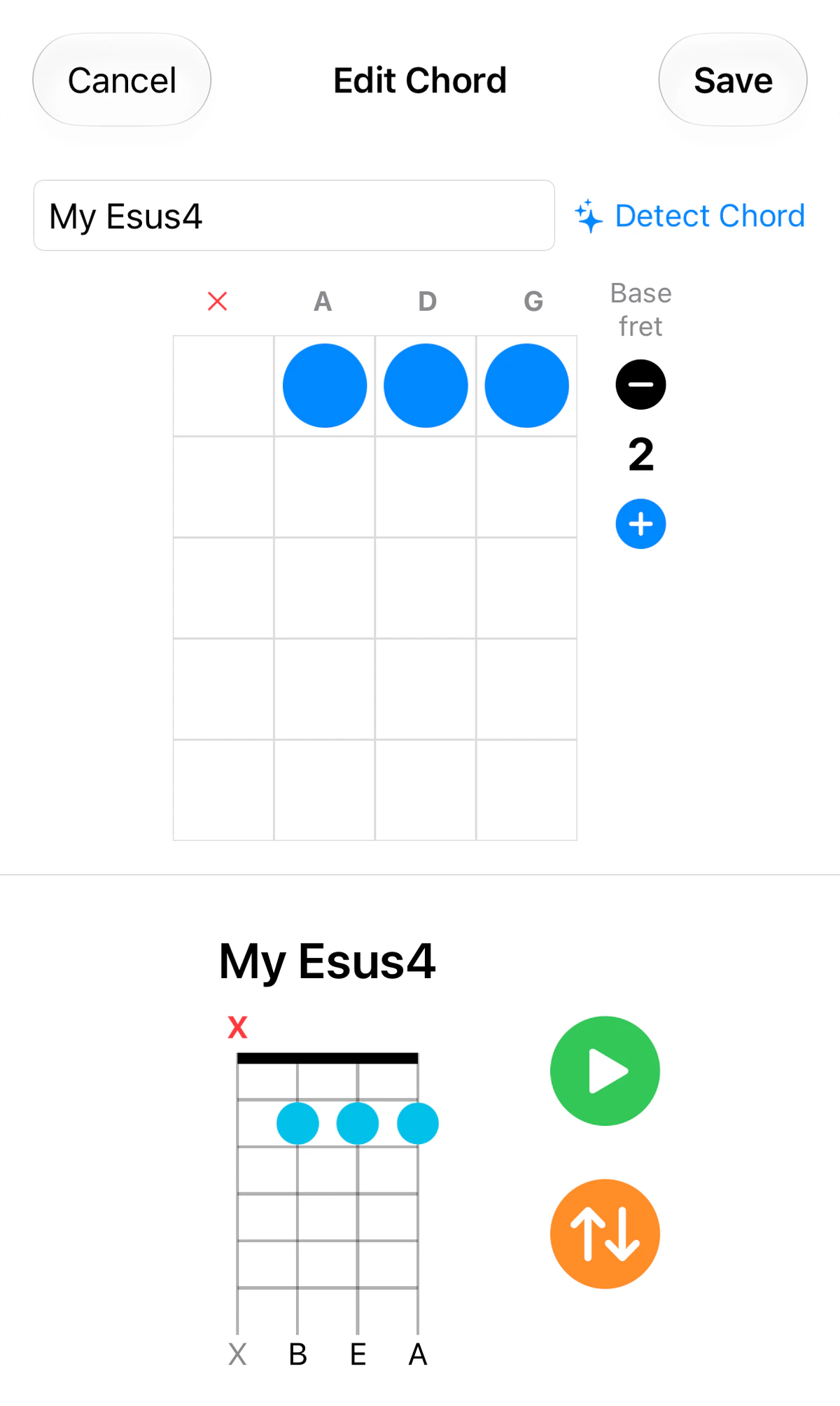
Found a shape that isn’t in the book? Custom Chords lets you capture it.
Creating a chord
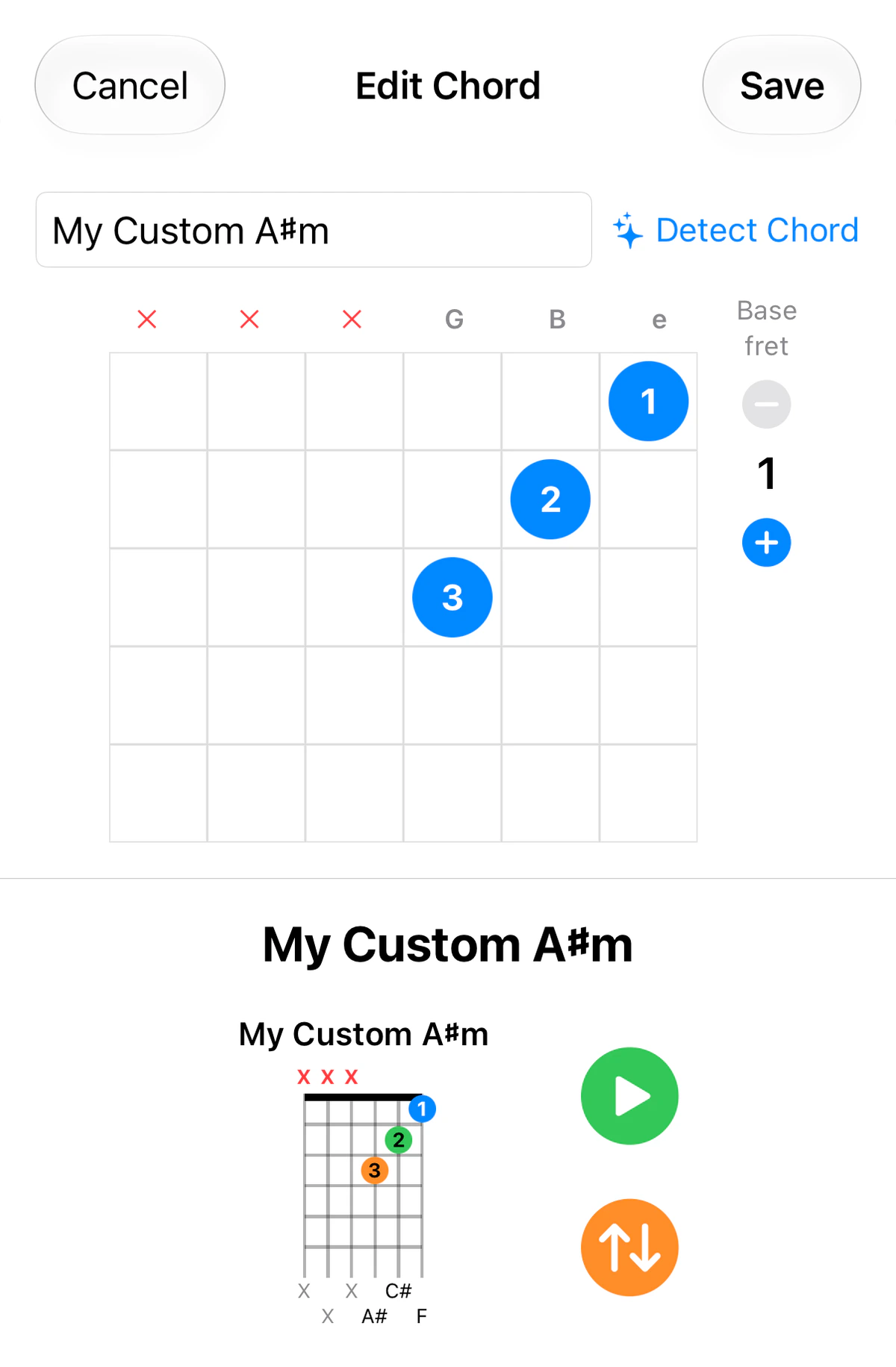
- Place your fingers on the grid, and mark any strings you don’t play as muted (×). Use Base fret − / + to move the shape up the neck.
- Name the chord: press Detect Chord and GTK names it for you from the notes you’ve placed, or type your own custom name.
- Press Save.
Hearing it
- Press the green Play button (▶) to hear the whole chord.
- Press the orange Arpeggiate button (↑↓) to hear each string played one after another, which is handy for checking every note rings cleanly. The string that’s sounding lights up on the diagram.
You can change the arpeggio’s note delay and direction in Settings.
Sharing
Export your chords to send to a bandmate, student or teacher, and import chords others have shared with you.
Tip: custom voicings are a great way to document the shapes from a song you’ve worked out by ear.
Instrument notes
- Bass: Build your own chord shapes on the bass neck and save them to your library.